How to Use the Instrument Cluster
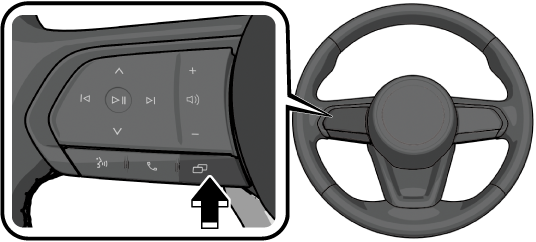
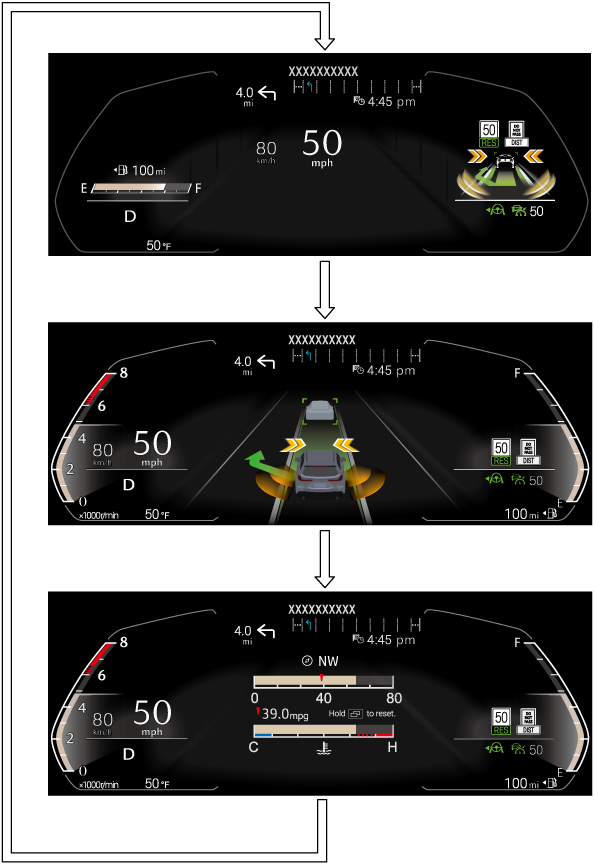
The display changes each time the  is pressed.
When  or
or  is operated, the “Source List” is displayed. If is operated or if no operation is performed for a certain period of time, the screen will return to the original screen.
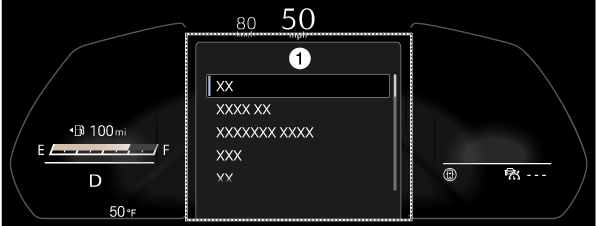
1 Source List
When  or
or  is operated, the music information is displayed. If is operated
or if no operation is performed for a certain period of time, the screen will return to the original screen.
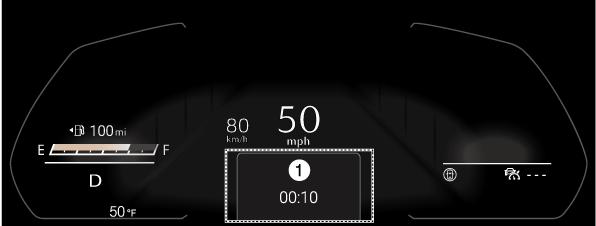
1 Call in Progress
When a call is received, the screen will automatically switch.
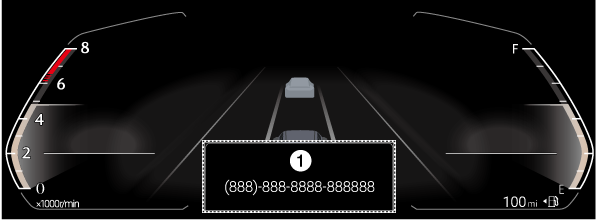
1 Incoming Call