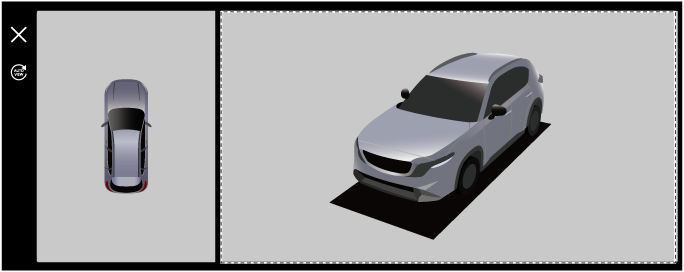
360° View Monitor (Some Models)
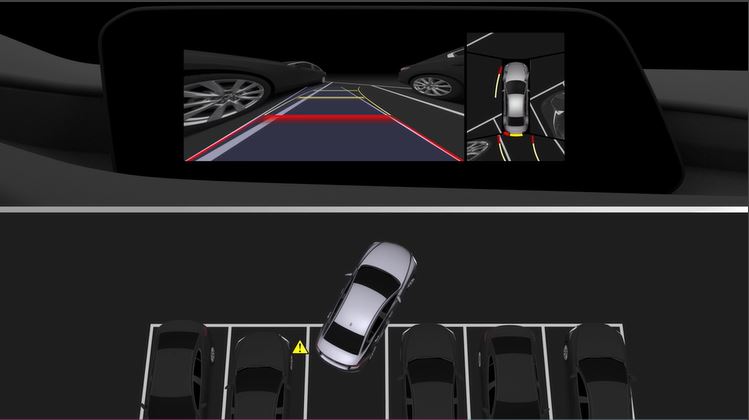

The 360° view monitor is a system which assists the driver in checking safety by displaying the conditions around the vehicle on the center display when the vehicle is driven at low speeds or when the vehicle is parked or stopped.
Top view
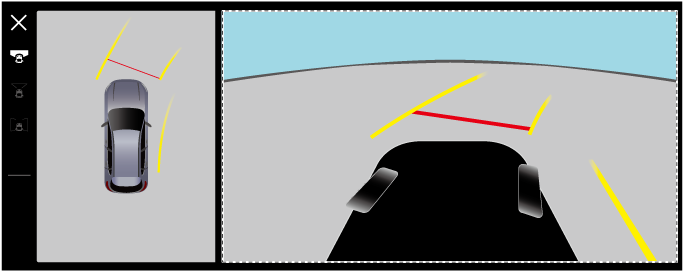
Displays an image of the vehicle as if it were viewed from directly above to assist in checking the area around the vehicle when driving forward or in reverse.
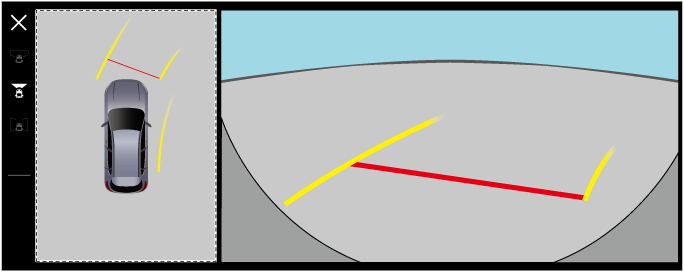
Front wide view
Displays an image of the front of the vehicle (wide area) together with the guide lines to assist in checking the area at the front of the vehicle when driving forward, parking, or entering an intersection.
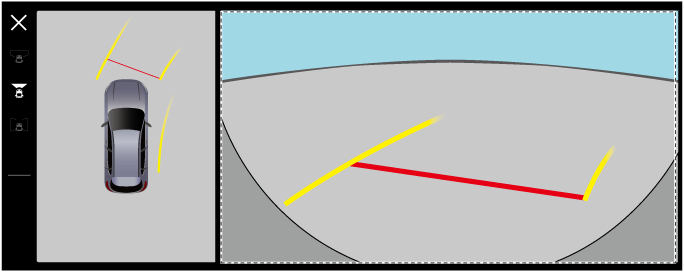
Side view
Outside mirrors deployed
Displays an image of the front left and right sides of the vehicle together with the guide lines to assist in checking the front left and right sides of the vehicle when driving forward, parking, or stopping.
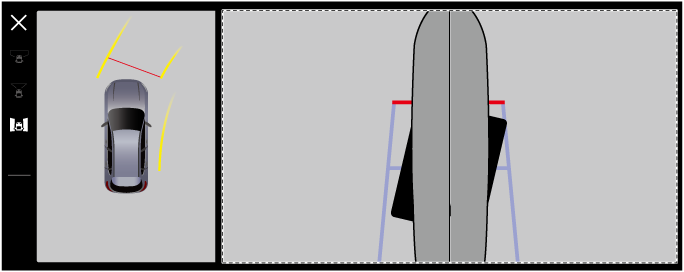
Outside mirrors retracted
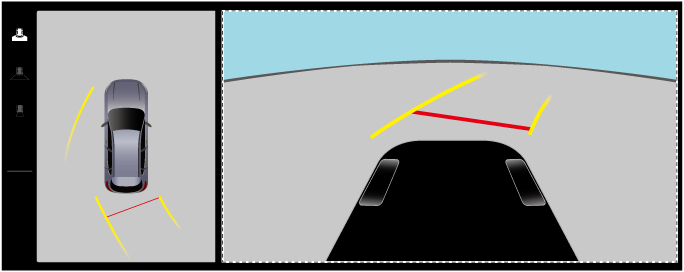
If the outside mirrors are retracted, a side view is displayed instead of the top view. It assists in checking the sides of the vehicle when maneuvering in narrow spaces or passing oncoming vehicles.
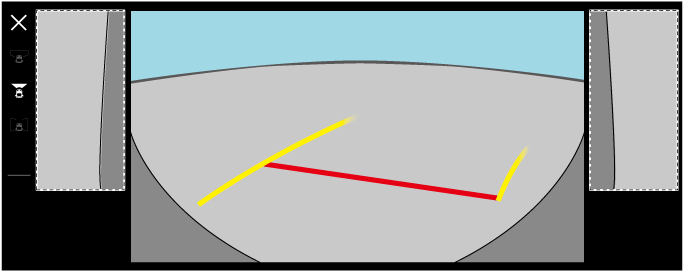
Rear view
Displays an image of the rear of the vehicle together with the guide lines to assist in checking the area at the rear of the vehicle when reversing, parking, or stopping.
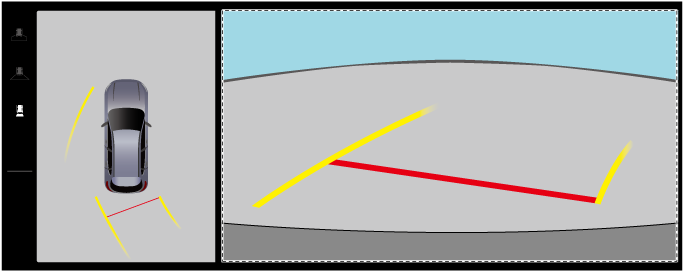
Rear wide view
Displays an image of the rear of the vehicle (wide area) together with the guide lines to assist in checking the area at the rear of the vehicle when reversing, parking, or stopping.
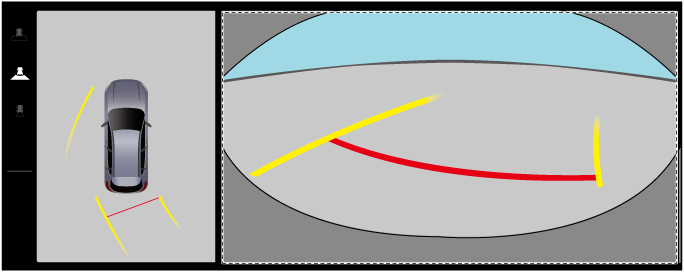
See-Through View
The See-Through View is a function that combines the images taken by each camera and processes them to look as if the vehicle is transparent and displays them on the center display.
Front See-Through View
Displays a camera image of the front of the vehicle as though it was transparent together with the guide lines to assist in checking the area at the front/sides of the vehicle when driving forward, parking, or stopping.
Rear See-Through View
Displays a camera image of the rear of the vehicle as though it was transparent together with the guide lines to assist in checking the area at the rear/sides of the vehicle when reversing, parking, or stopping.
Underfloor see-through function
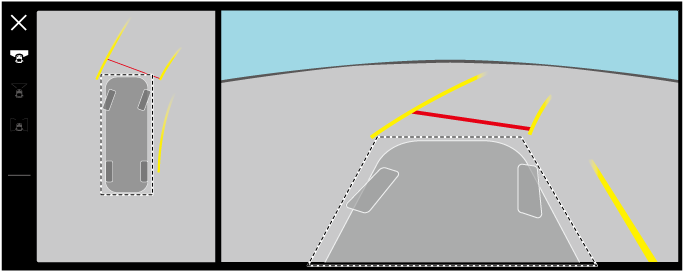
The underfloor see-through function displays images as if you were seeing through the underfloor of the vehicle by compositing past images shot by the front or rear camera onto the vehicle icon in the top view and the vehicle bottom graphic in the see-through view. It assists in checking the condition under the vehicle and the tire position.
3D camera view
The 3D camera view combines images taken by each camera to display an image of the area around the vehicle as if seen from outside the vehicle, helping to check the area around the vehicle while stopped.